Paint your Automobilista 2 car and see it in 3D instantly
A livery editor for AMS2: paint the parts, use a spray gun and masking tape, add numbers and sponsors, see the result on the 3D car and send it straight to the game, with the menu preview and the finish.
The free version comes with the Stock Car Cruze 2019 (V8). Windows 10 or 11, 64-bit.
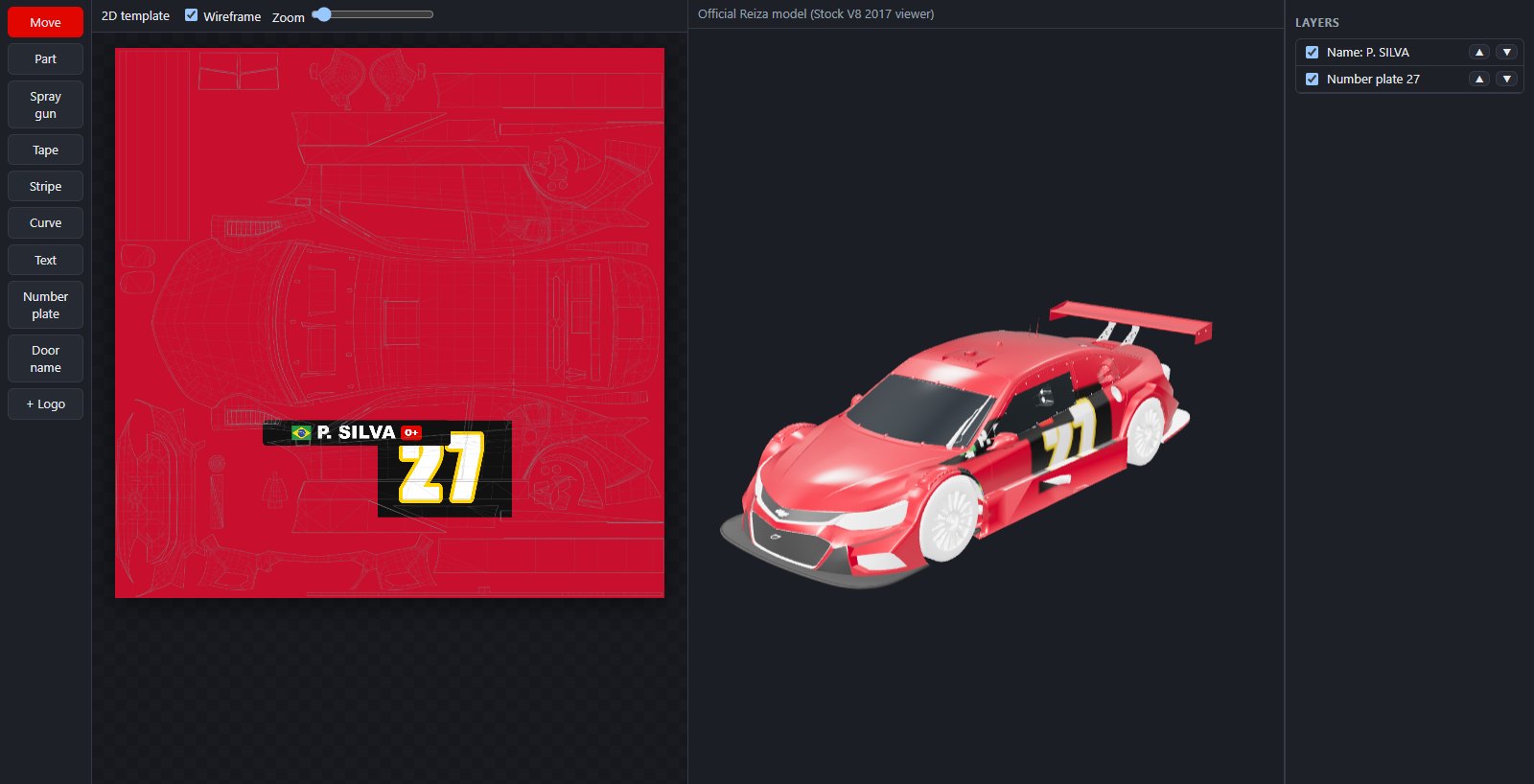
Everything to paint without leaving the program
You paint on the 2D template and see it on the 3D car at the same time. When you're done, one click writes the paint job to the game.
Parts, spray gun and tape
Click a part to paint all of it, paint freehand with the spray gun and use masking tape for clean edges. Symmetry paints both sides of the car.
Number plates and door names
Ready-made number plates (touring, endurance, oval, classic…) and the driver's name with blood type and state or country flag.
Text, stripes and logos
Text with outline and frame, stripes, curves, circles and your own logos and sponsors (PNG, SVG, JPG), with background removal and curvature.
Straight to the game
Writes the paint job to the slot you choose, with the menu preview image and the finish (matte, satin or glossy).
Any car
Import the car model (.fbx or .max) and TurboSkin builds the template, the parts and the 3D on its own, in about a minute.
English, Portuguese and Spanish
The whole program in three languages, with automatic updates.
Made for leagues and events
Organizing the grid's paint jobs stops being manual work.
- Driver: creates the paint package with one click and sends it to the organizer.
- Organizer: merges the whole grid's packages (including
.ddsfiles made in Photoshop/GIMP, which the program checks), assigns the slots and creates a single event package. - Everyone: installs the event package in the game with one click, without losing their own paint jobs.
- Locked sponsors: the organizer saves a project with the league's sponsors locked; drivers paint around them but can't change or cover them.
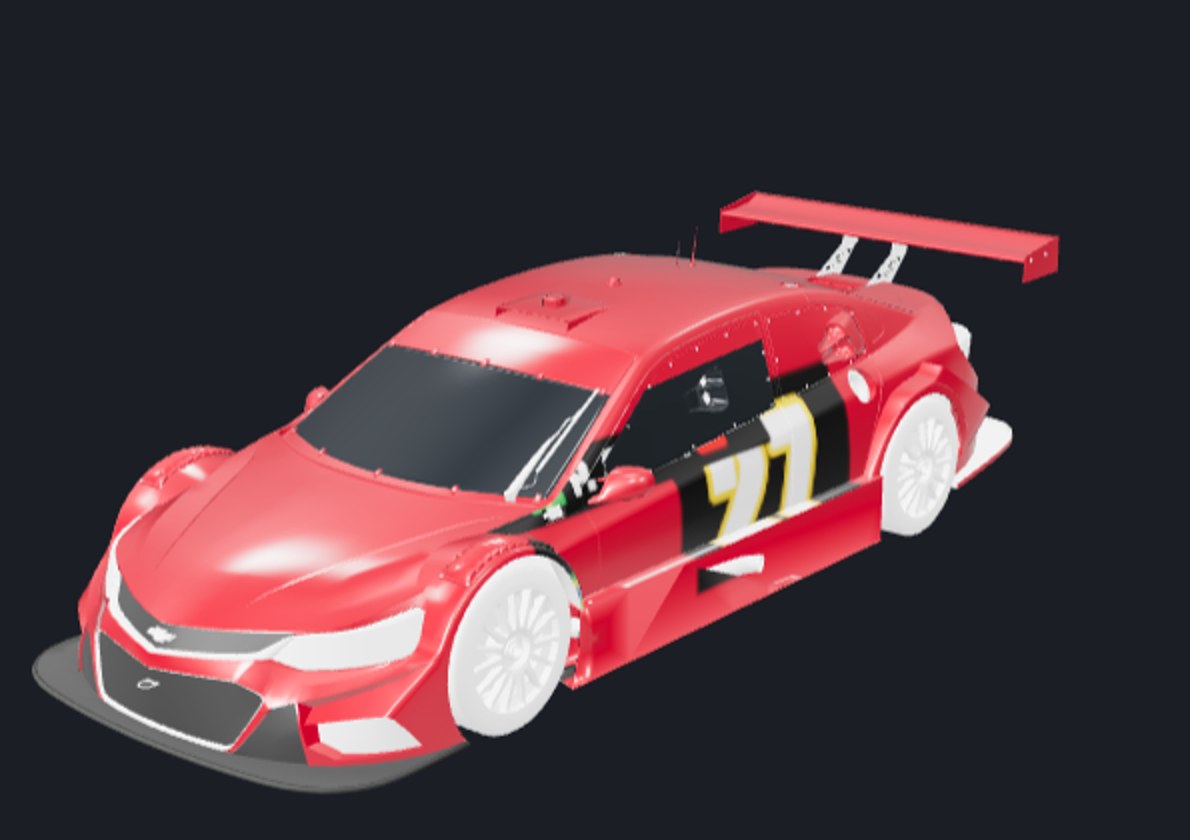
Licenses
Start for free. A license lasts 1 year, on 1 computer at a time (you can move it to another PC yourself).
Free
- Stock Car Cruze 2019 (V8)
- All painting tools
- Send to game
- Create your event package and install event packages
- Organizer tools as a demo (up to 3 drivers)
Driver
- Everything in the free version
- Import and paint any car (.fbx or .max)
- Save projects with locked items (for your team)
Organizer
- Everything in the Driver license
- Full organizer tools, on any car
- Paint jobs made outside TurboSkin (.dds), checked and with automatic preview
FAQ
What do I need?
Windows 10 or 11 (64-bit) and Automobilista 2 installed through Steam. The first time you import a car, the program downloads the conversion tools on its own.
Where do I get the car file (.fbx or .max)?
Reiza provides the models (".max" viewers) of many cars on its official forum, and the community shares many others. You can also export the car from your own game as .fbx with Blender.
Do I need internet?
Only to activate the license and for a quick check once a week. Without internet, the license keeps working for up to 30 days.
I changed computers. What now?
Just activate the key on the new computer: the program asks whether to move it, and the old one stops using it. You can move it up to 3 times a month; after that, contact support.
Can I get a refund?
Yes, within 7 days of purchase. See the terms of use.
Do the paint jobs work for other drivers?
Yes. The paint job is saved in the game's format; for the whole grid to see the same paint jobs, use the event package.